FAQ
Quick answers about controls, scoring, near-miss, and common issues.
How do I start a run?
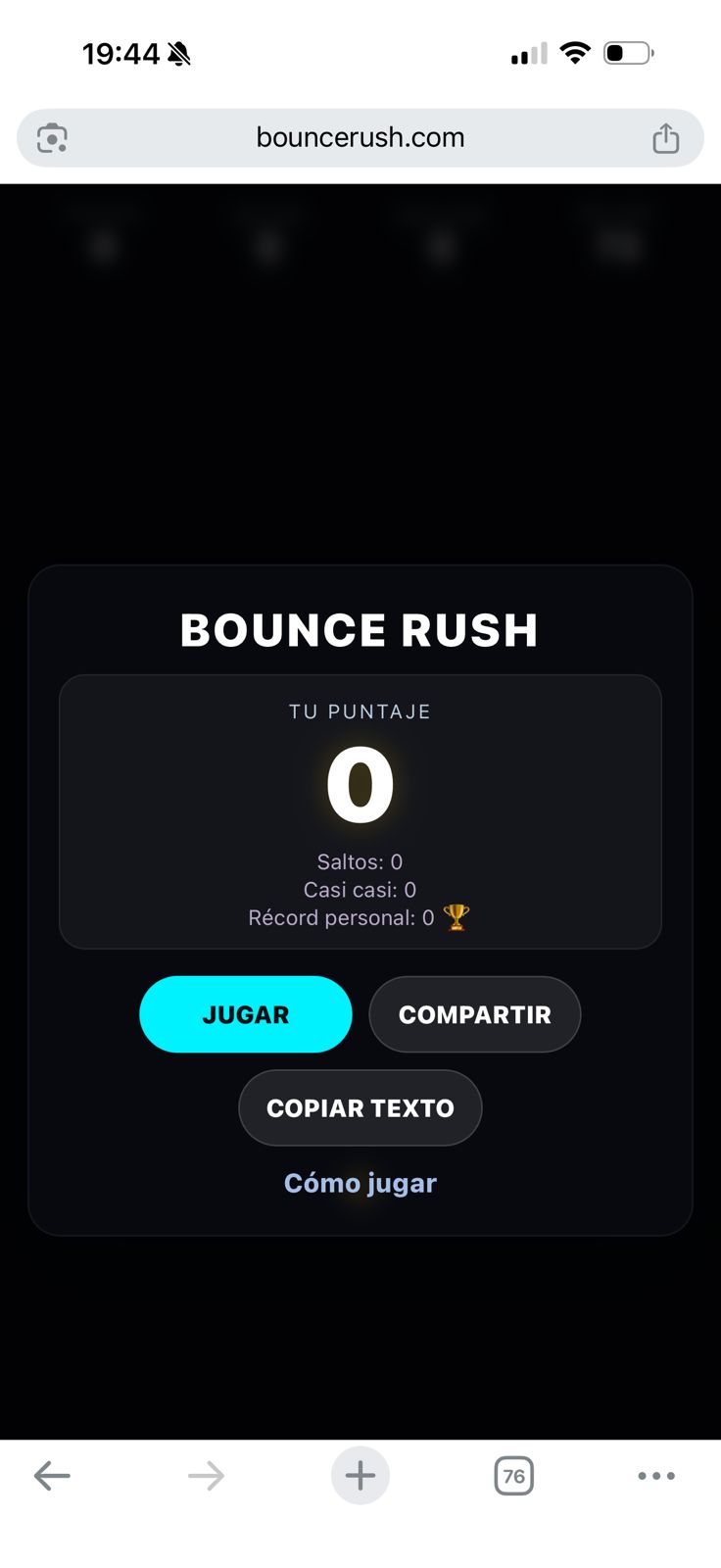
Open the game and press PLAY. The ball will spawn and you can start tapping right away.
Tip: if you’re on mobile, play with your thumb near the bottom area for fine control.
How do controls work?
One tap = jump + steering direction.
Tap closer to the left/right edge to push the direction more strongly. Tap nearer the center for a straighter jump.
How do I score points?
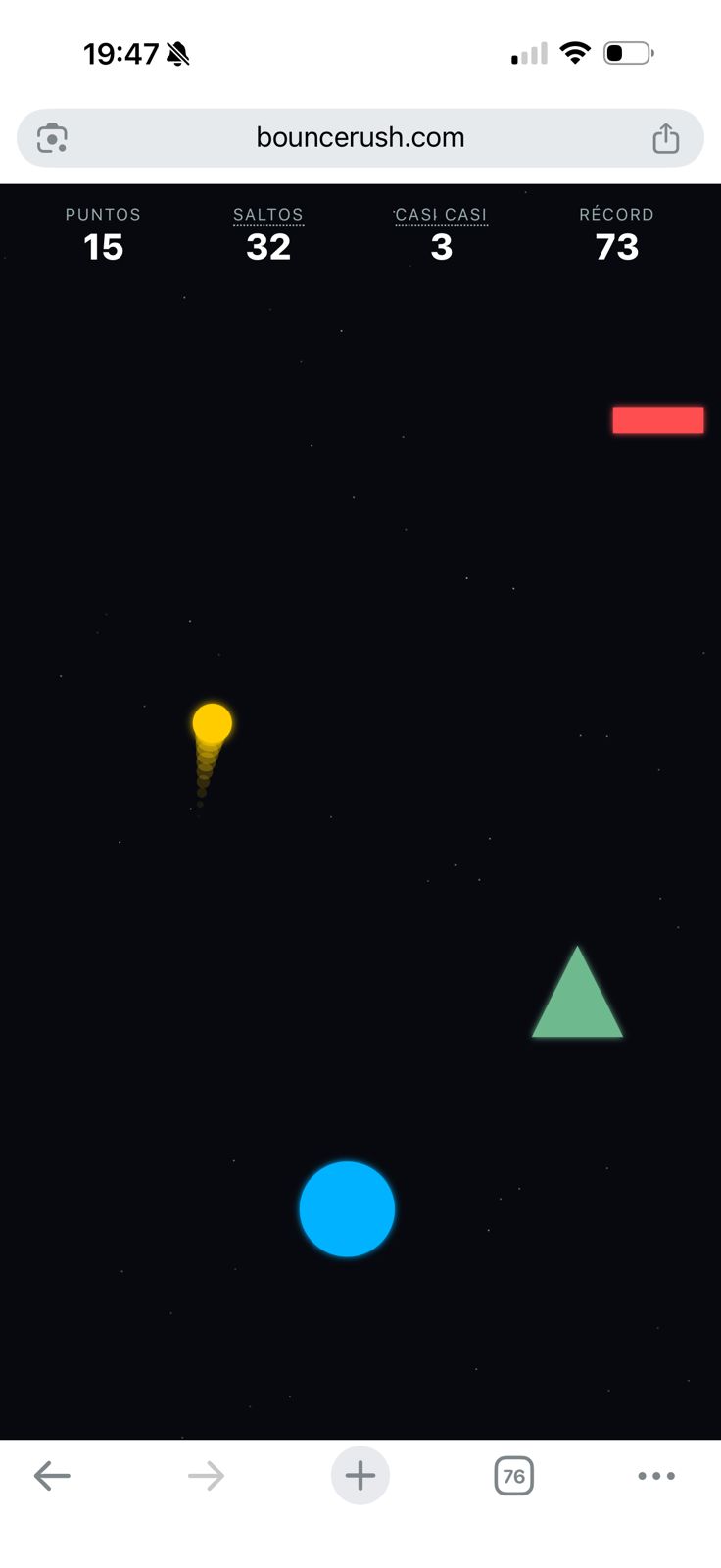
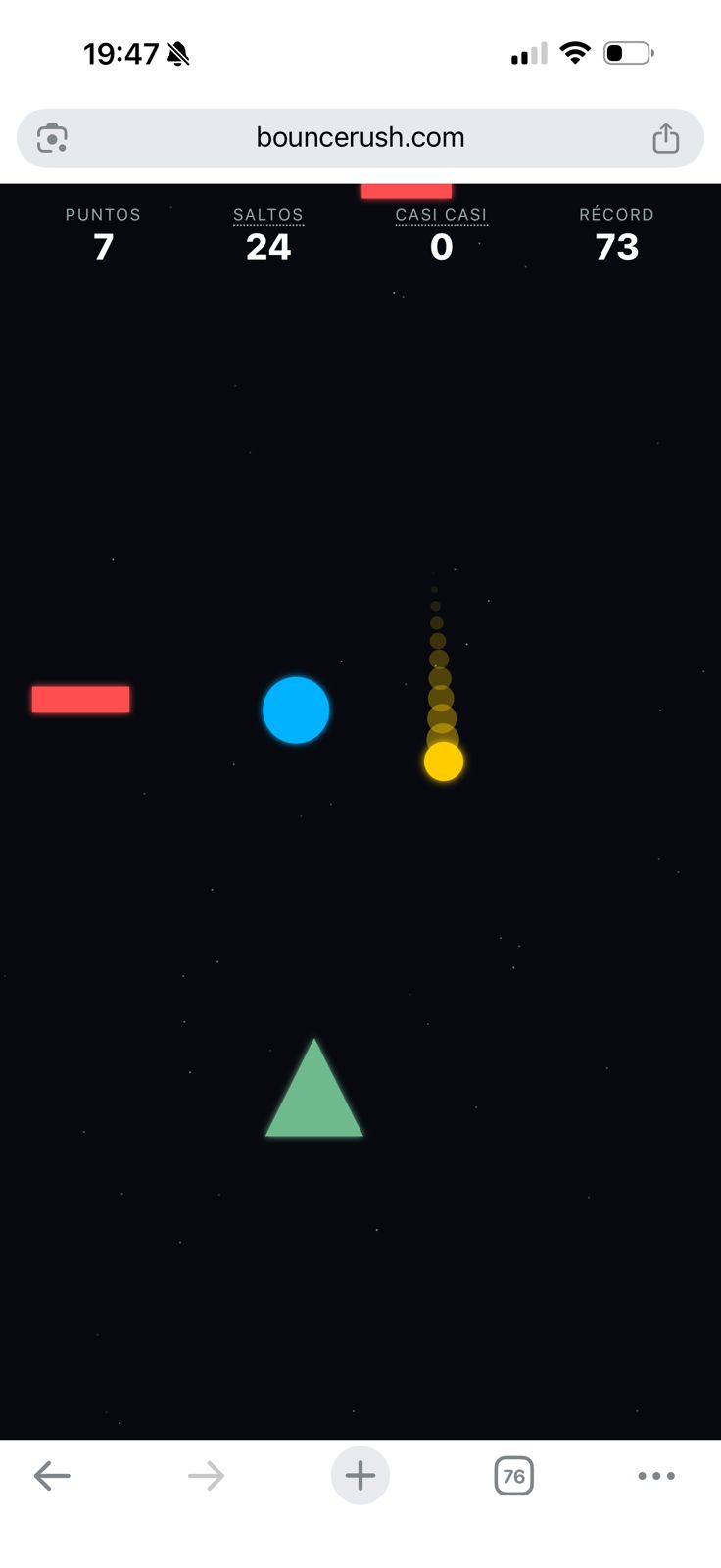
You gain 1 point for each obstacle you successfully pass.
As you progress, the game ramps up speed gradually.
What is a “Near-miss” (Casi casi)?
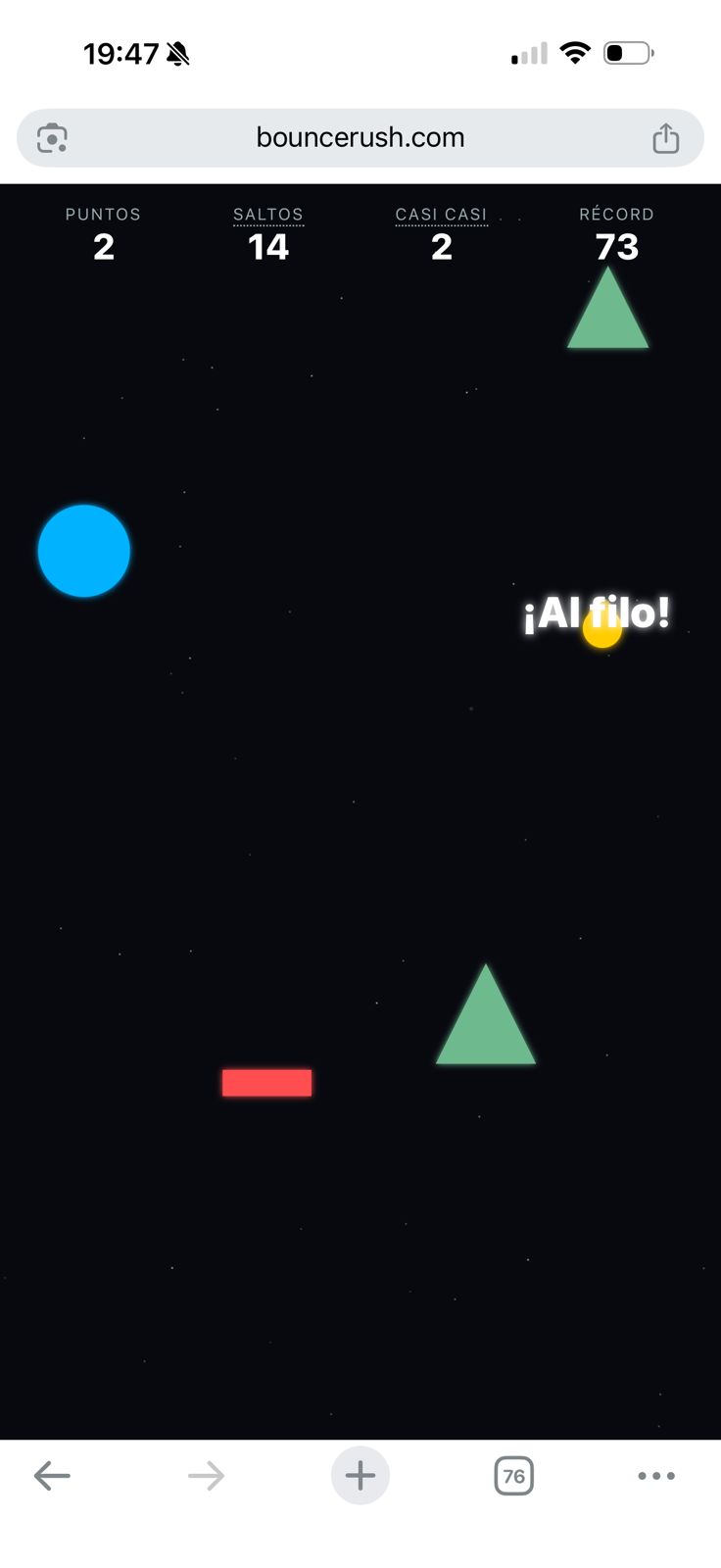
A Near-miss is counted when you pass very close to an obstacle without colliding.
It’s a fun stat to track risky, precise play.
What ends the run?
Any collision with an obstacle ends the run and shows the Game Over screen with your stats.
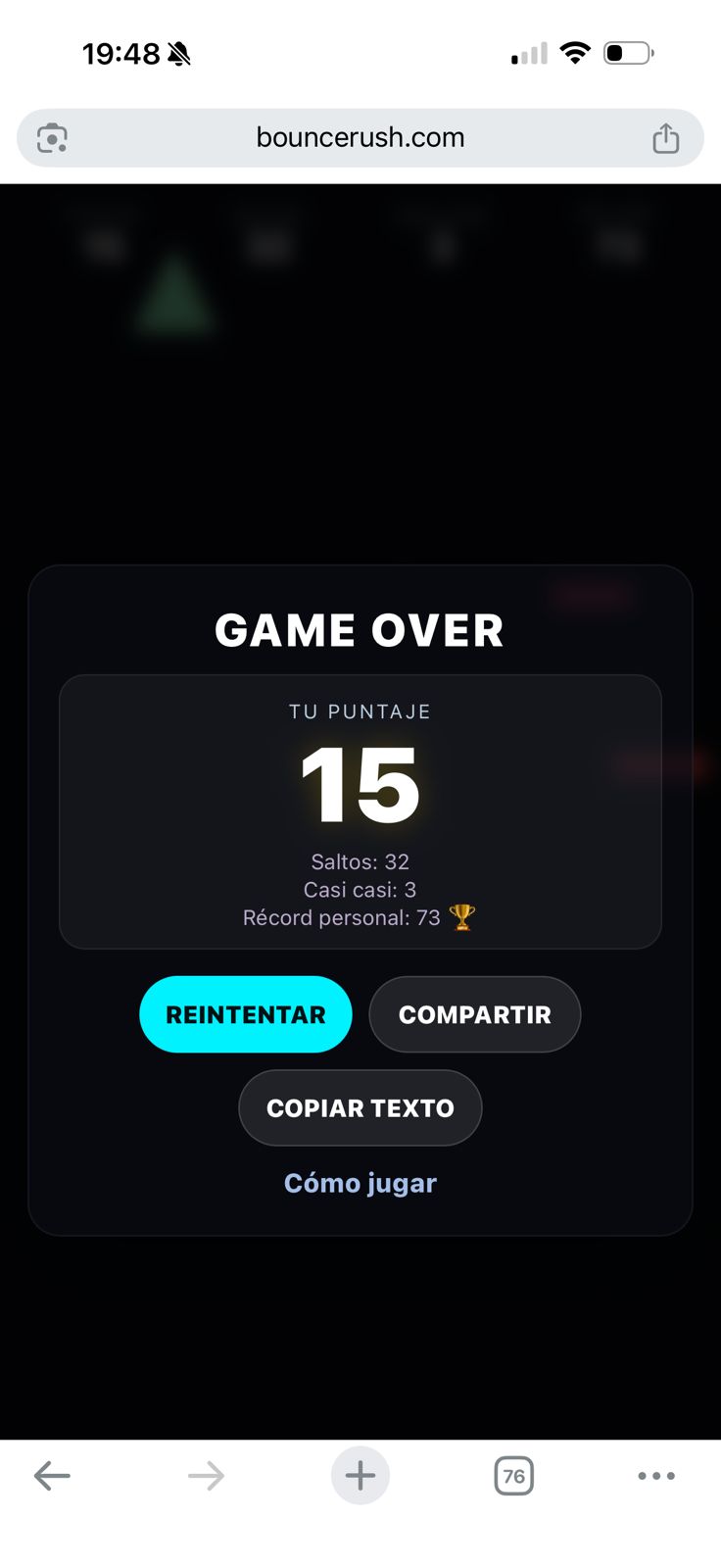
Does Bounce Rush save my high score?
Your high score is stored locally in your browser (local storage).
If you clear site data (or switch browsers/devices), your stored score may reset.
Why do I see different behavior on mobile vs desktop?
Input is different (touch vs mouse), but gameplay rules are the same.
If something feels off, try refreshing, closing other tabs, or playing fullscreen.